
Original Prusa i3 Mk2 3D Printer Review – Long Term Impressions
In my original Prusa review I gave the Prusa i3 Mk2 high marks, and since then I have recommended it many times, but in my guided tour of my own best and worst 3d printers I said my Wanhao Di3 is my favourite printer out of my collection. What is going on? What do I […]
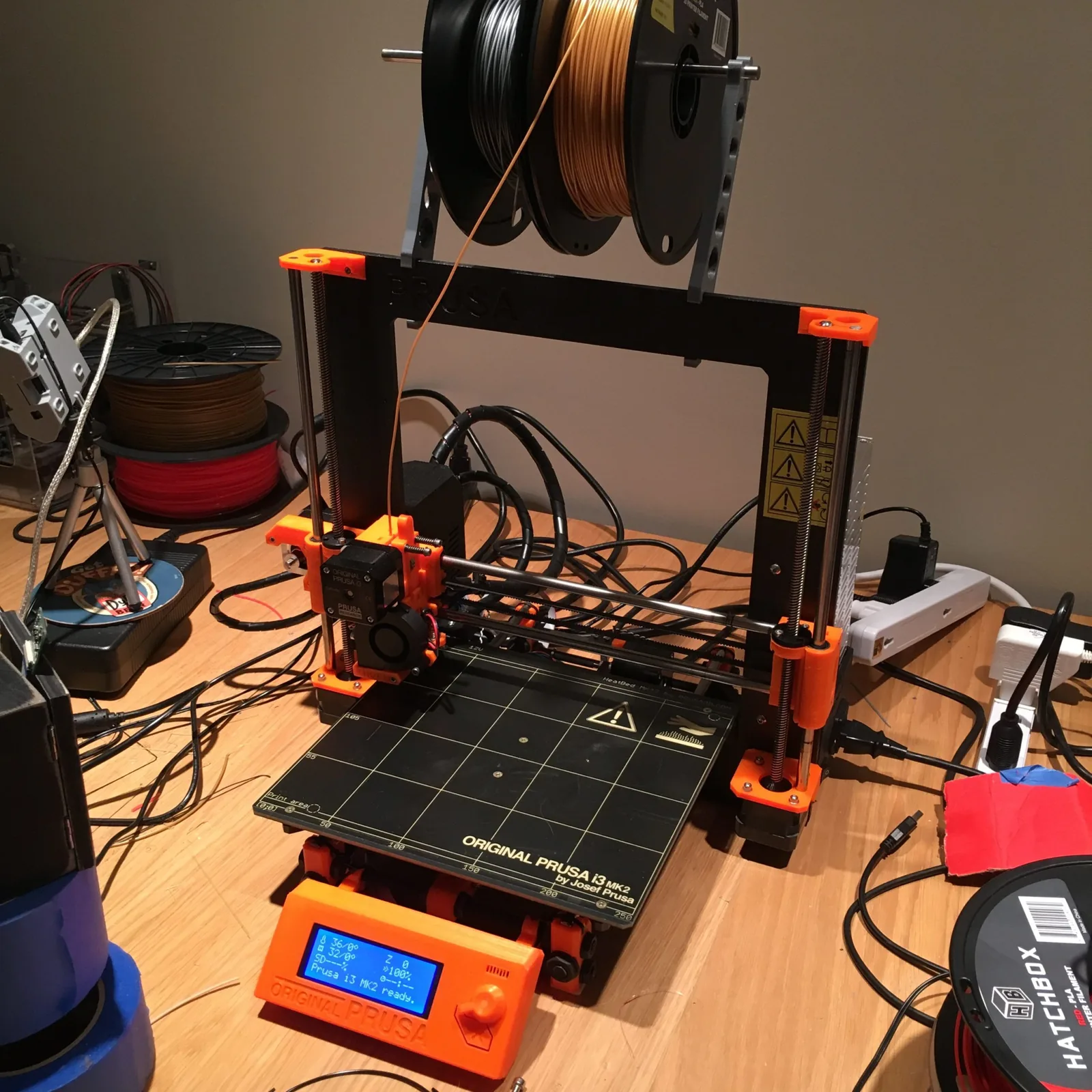
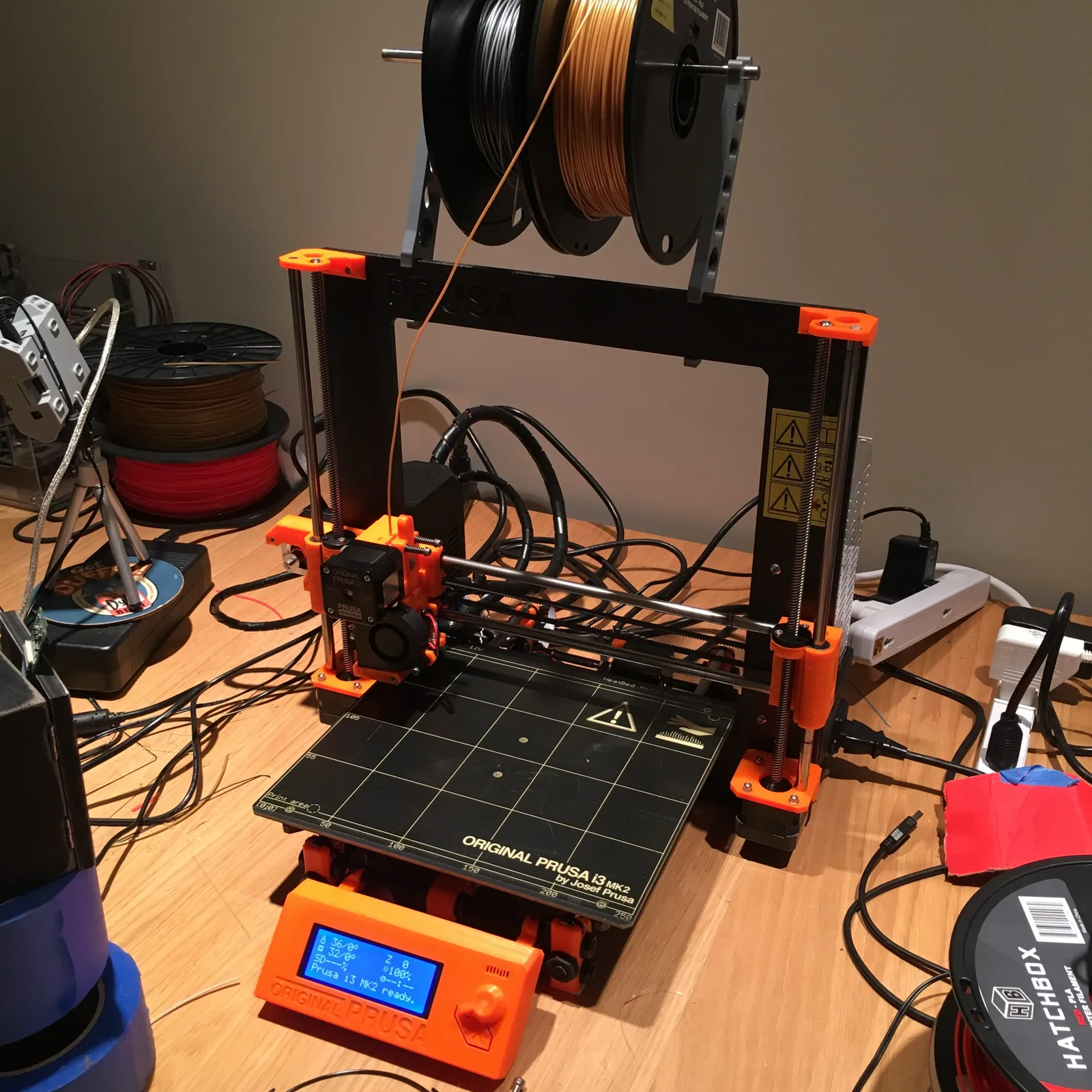 In my original Prusa review I gave the Prusa i3 Mk2 high marks, and since then I have recommended it many times, but in my guided tour of my own best and worst 3d printers I said my Wanhao Di3 is my favourite printer out of my collection.
What is going on?
What do I really think about the Original Prusa?
Read on and everything will become clear …
I’ve had the printer a few months now and some things have become clear, both from my own experience and also seeing other customers as an admin of the Official Prusa Mk2 Facebook Group.
Required Upgrades for Prusa MK2?
Most of my first impressions have been confirmed, but there are some things that only become apparent as you use a 3d printer long term and take the wider community experiences into account. After a while you notice things you would like to change, and being a RepRap, you can upgrade and modify to your hearts content.
First, though, I want to dispel a myth.
The Prusa is not a noisy printer!
I really don’t know where this came from. Out of my entire collection, even when not in quiet mode, I would put this printer amongst the quietest.
Related but also worth pointing out, you don’t need to do any upgrades to this printer. People are suggesting you need to get Igus bearings right away. Nope. Use the machine, get used to it, and then figure out if you want to change anything.
What have I changed on mine?
Just the spool holder!
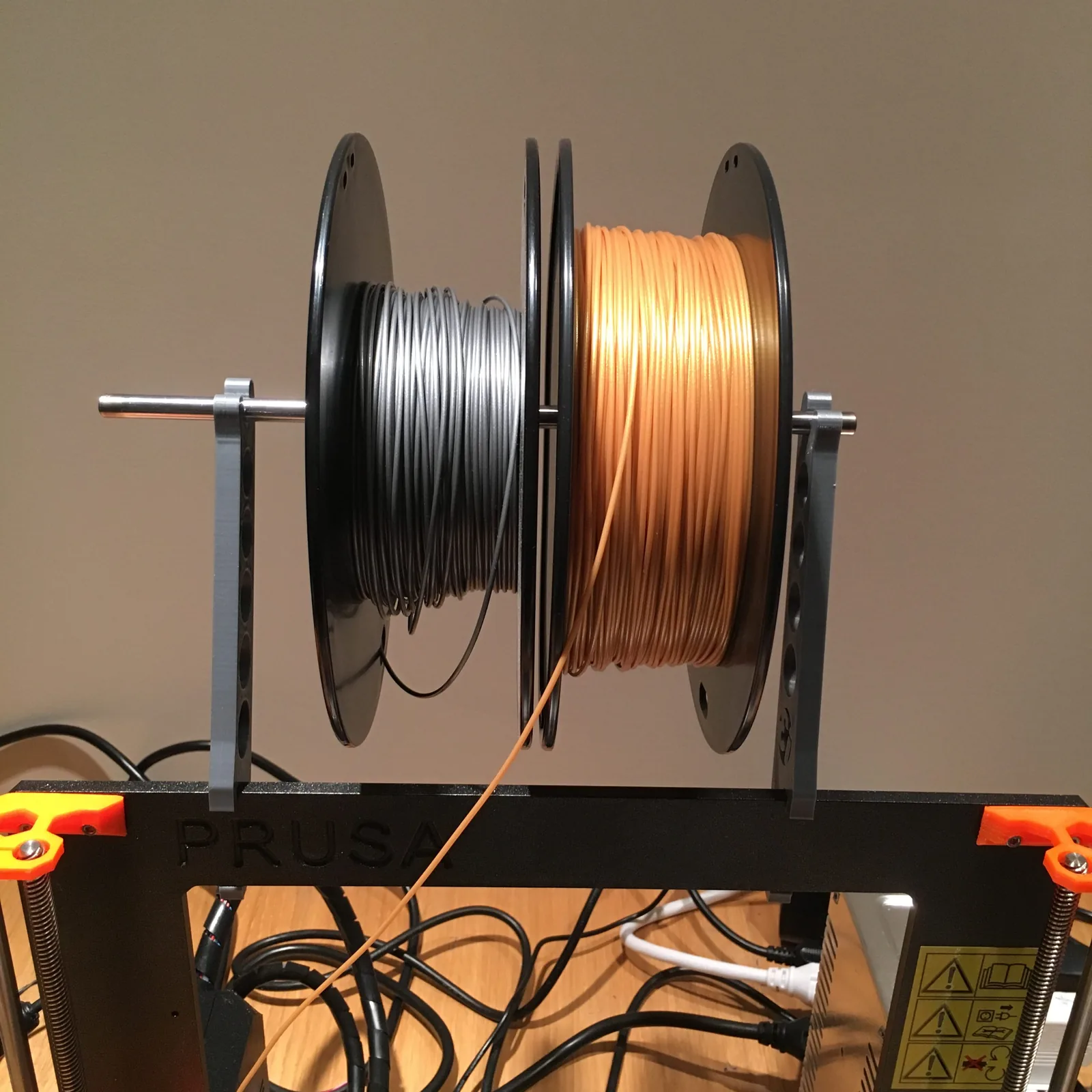
Really, the spool holder that comes with it is a temporary measure. You need something more secure and with less friction. My spool holder caused layer shifts, and wasn’t working with some of my different spool sizes, but this steel rod setup has much less friction and fits any spools I throw at it.
That all said, there are things I would change.
Things I don ’t like about the Prusa
- I don’t like the nut and bolt foundation. In my experience (admittedly a kit) it’s not as rock solid as I would like it to be. Not bad per se, but I think it could be sturdier.
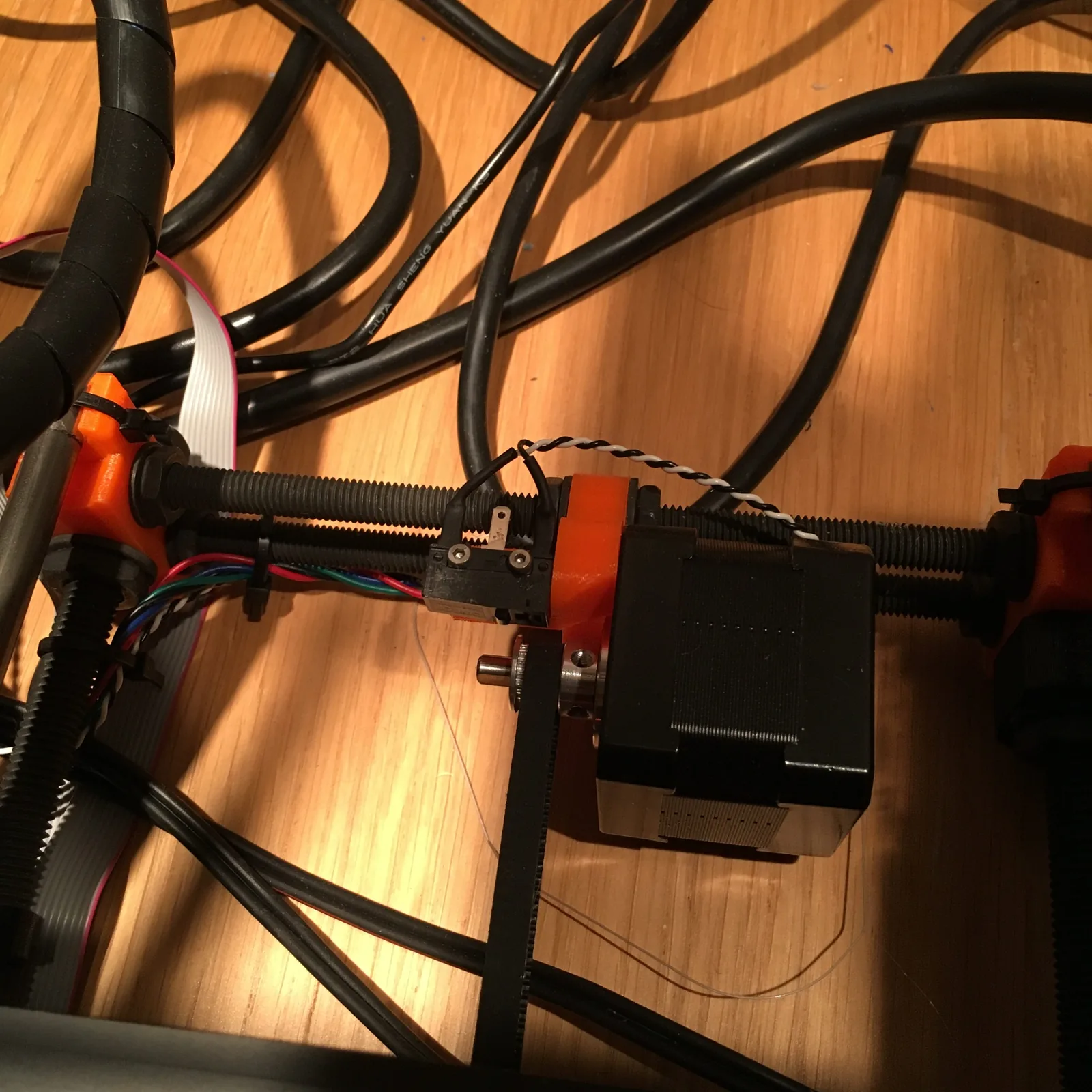
- Cable ties for the bearings. I am sure Josef can come up with a better way of affixing the bearings to the bed. Even pulled real tight, there is still some play in them.
- It’s great that it reminds you to update the firmware but the message has caused some weirdness with Octoprint, would be nice to have the ability to disable that warning. With firmware I am a “if it ain’t broke, don’t fix it” kind of guy so I do not update every time a new firmware is released.
- The cables droop down onto the bed. Was that an assembly error on my part?
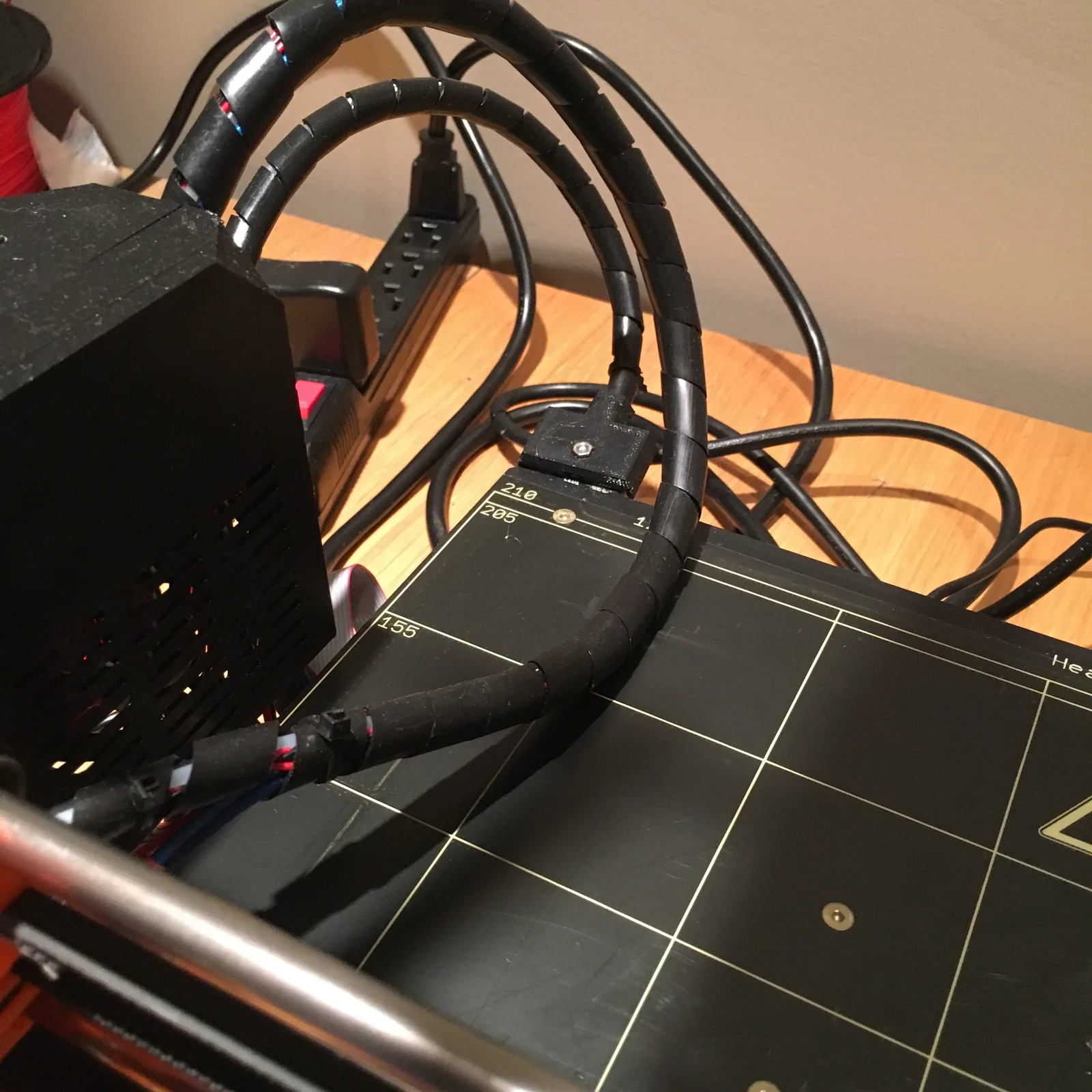
- There’s no spring on the bed, and you can’t manually level. You might think the Pinda sensor solves that, but a lot of people have had the Pinda not fire and have the nozzle drive into the bed. If it had some cushion there it wouldn’t be as bad, plus I don’t like to rely on bed level compensation when we should be able to level the bed manually.
- I am not a fan of the, um, filament fan 🙂 If I was going to choose I would go with something like the DIII cooler, in fact Josef should hire him to design a solution based on his approach.
- The Simplify 3D profiles are poor. Yes, the Prusa Slic3r is the recommended slicer, but I prefer the S3D software featureset, and that’s what I use for all my other printers. I’ve not had chance to improve on the supplied file, but nobody on the forum has managed either, which is strange and disappointing.
- This might seem really nitpicky but I would have preferred the bed have been at least 250mm x 250mm instead of the strange dimensions it is, though it is definitely an improvement over 200mm x 200mm standard of regular Prusa clones.
That all said, none of the above would put me off recommending the printer , it’s all just stuff that comes up after using a printer for a while and seeing what gets under your skin! 🙂
What I do like about the Prusa i3 MK2
- Branded parts, especially the legit E3D hot end and the RAMBo board.
- The heated bed with no cold zones.
- Technology that corrects for skew as well as level.
- Responsive customer service (although for sure the level of overwhelm they must be facing with the current popularity is likely causing some longer response times!)
- Self check.
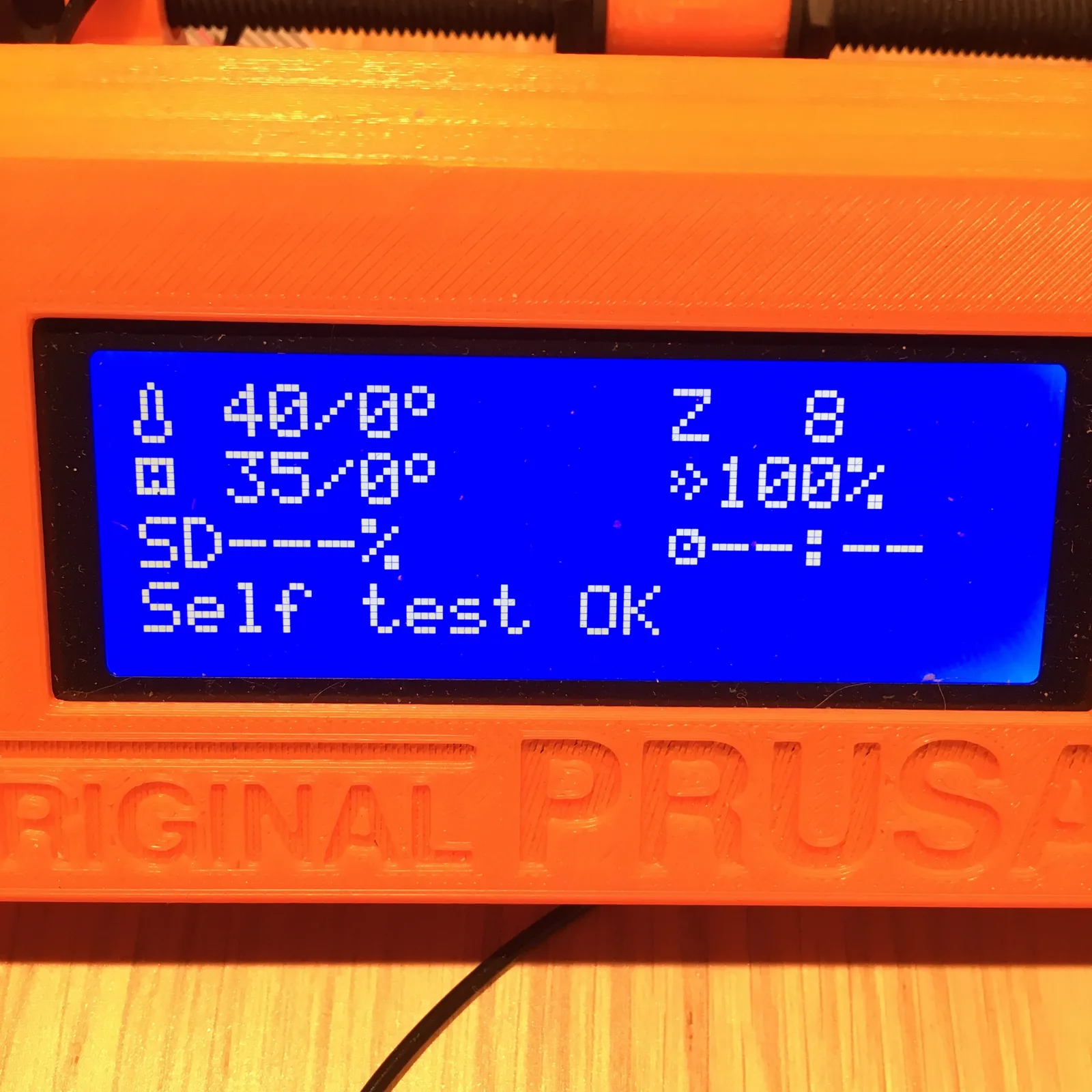 prusa display - Prusa MK2 Review
- Live Z adjust.
- No Layer height issues this far
- Great price tag
- Amazing build quality
- Full use of Both Build Volume and Build Area
- Way more User friendly then most
- The Prusa Research team and Josef Prusa himself are walking the extra mile on everything they do.
- PEI surface.
- 250mm wide print area.
- Awesome instructions, supplemented by community advice.
- Truly open source.
… I could go on 🙂
So why is my Wanhao Di3 still my favourite printer? Mostly because I have done a lot of work on that printer to get it working beautifully, and partly because it’s half the price. I am fortunate that my wife is understanding because I have spent a lot of money on this gear (as yet nobody has sent me any printers to review but I am sure that will change any day now … annnny day now ….). You tend to have more satisfaction with things you have put time and effort into.
Buying the Mk2 means you save a lot of time by paying a bit extra, so I see both as good choices.
Rumour has it …
We keep getting reports of people receiving bad beds so the first thing you should check on receiving your Prusa is that the bed is level. I can put some of these reports down to rumour or incorrectly assembled kits, but there are enough reports out there that you should be diligent. Customer service will swap a bad bed for sure, and I am sure their QA is on top of it by now, but better safe than sorry.
Bottom Line - Conclusion About The Prusa MK2
The Prusa Mk2 is the best recommendation for a general purpose makers 3d printer for under $1,000.
Yes, I love my Wanhao Di3, but that is only after doing a fair few upgrades, and really tuning it in over the period of months. The Prusa Mk2 just works out of the box (provided you get a flat bed) and if you get the kit, it’s a fantastic printer to build. Runs Petg, Exotic filaments, Nylon, PLA and ABS without any hassle.
Here is another Prusa MK2 Review By Joel
March 10, 2017 Update
Prusa have released a Mk2 S version that addresses my main concerns! Well done Prusa 🙂