
OctoPrint – Your web 3D printer host
OctoPrint Software – Your web 3D printer host If you already work with 3d printing, you have likely already heard about OctoPrint Software. If you haven’t, I will introduce this tool to you. On the site you can find this introduction about it: OctoPrint differs from existing host solutions in that i

OctoPrint Software - Your web 3D printer host
If you already work with 3d printing, you have likely already heard about OctoPrint Software. If you haven’t, I will introduce this tool to you.
On the site you can find this introduction about it:
OctoPrint differs from existing host solutions in that its major focus is to provide a web interface that allows controlling the printer remotely from anywhere on the network or even the internet while offering the same responsiveness and feedback options available on native host applications like the ones listed above. In order to achieve this, OctoPrint makes heavy use of current web technologies and frameworks, such as AJAX and HTML5 web sockets.
Ok, a lot of people don’t trust controlling their 3Dprinter remotely, but this isn’t my point here. My point is show you one more tool to work with 3dprinters.
OctoPrint Features(Some of them):
-Control your 3dprinter via wireless - Once you have installed OctoPrint Software on your favorite embedded device, you can connect your printer to this device and reach the printer with your computer or smartphone.
The use of OctoPrint on RaspberryPi device is really popular, that was made a distro with OctoPrint already set, called OctoPi.
-Gcode Visualizer - You can preview your model with OctoPrint
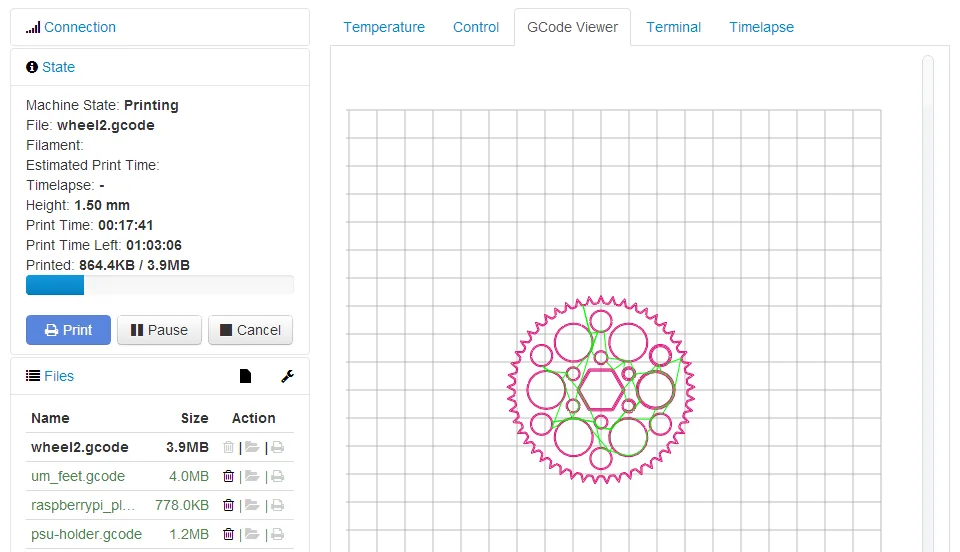 Gcode View
-Upload the gcode and start the print job, you don’t need to use a SD card.
-Highly compatible - OctoPrint Software has been proven to work with many different printer electronics and firmwares.
-Timelapse Recordes - Record you printer job via webcam stream triggered either by a z-change or every n seconds.
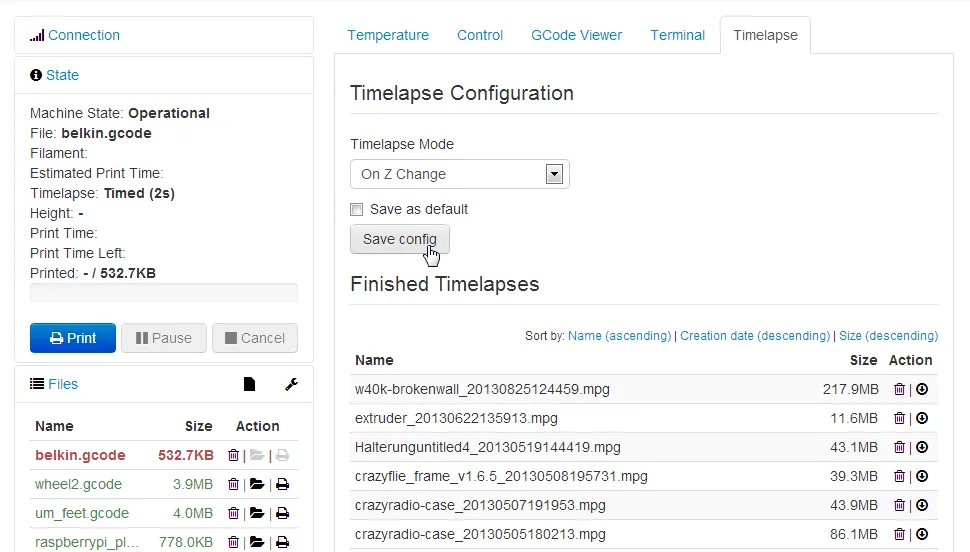
- You can monitor you print job via webcam too
-The Slic3r tool has native connection with OctoPrint Software
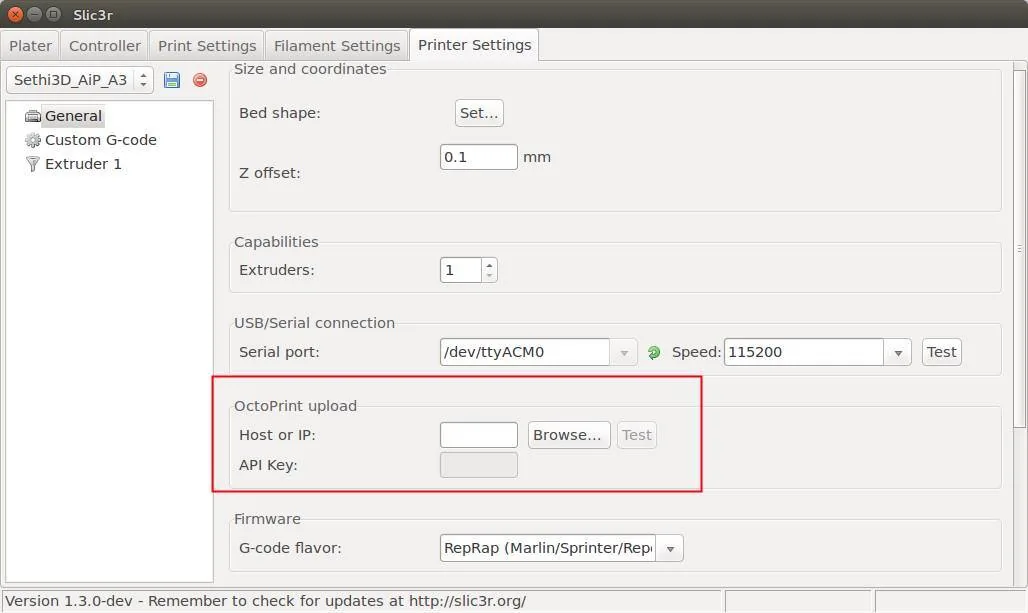 Slic3r with connection to OctoPrint
Others screenshots:
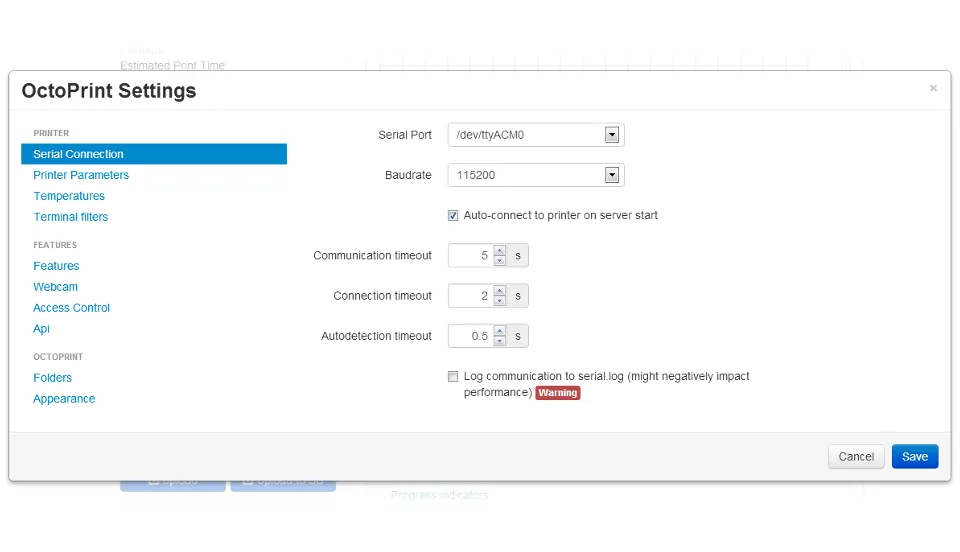 OctoPrint Settings
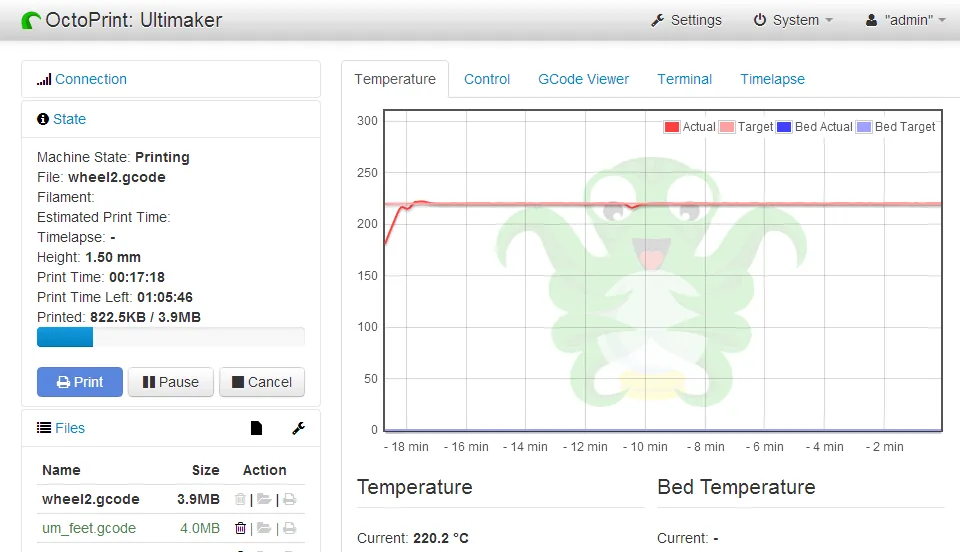 Temperature Monitor
And other good part is that you don’t need to pay for OctoPrint, since it is an open source software with Affero General Public Licence.
You can download the code here and install it on your device, after that, just start to use it!